


PunjabEducare XAPK
Department of school education, Punjab (India)
- Version
- 6.15.2
- Size
- 44.0 MB
- Android
- 4.2+
- Category
- Education
Screenshots
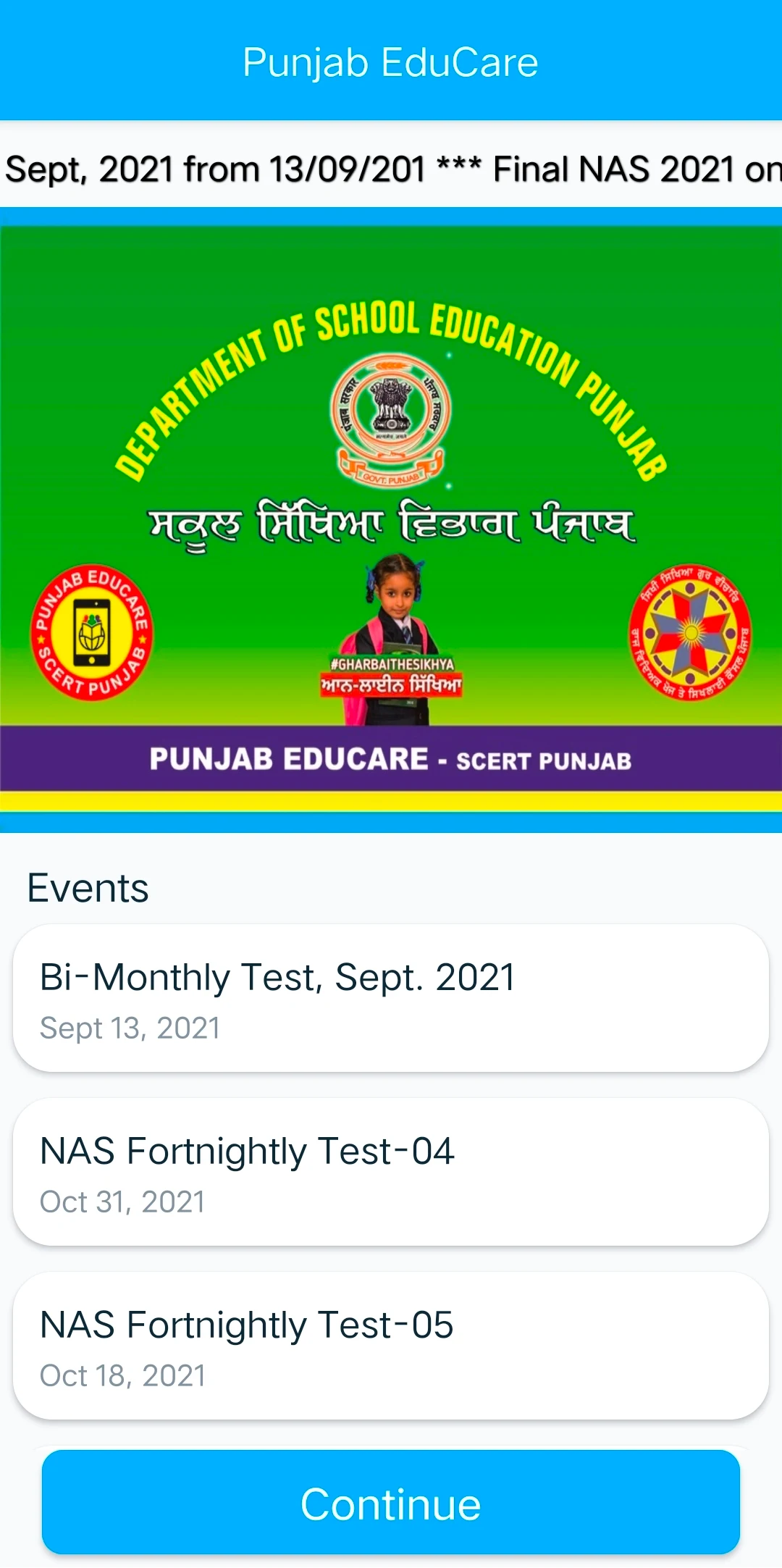
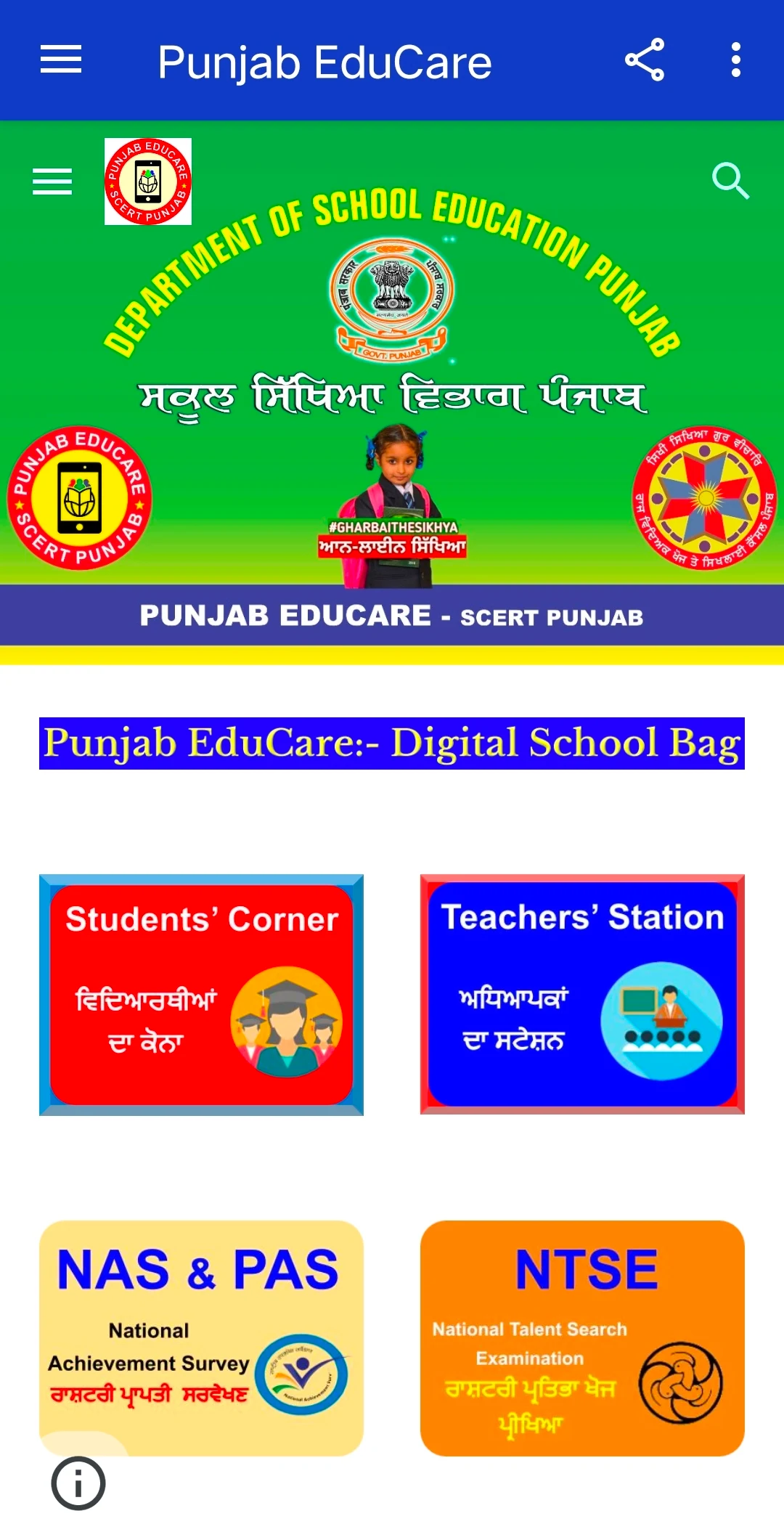
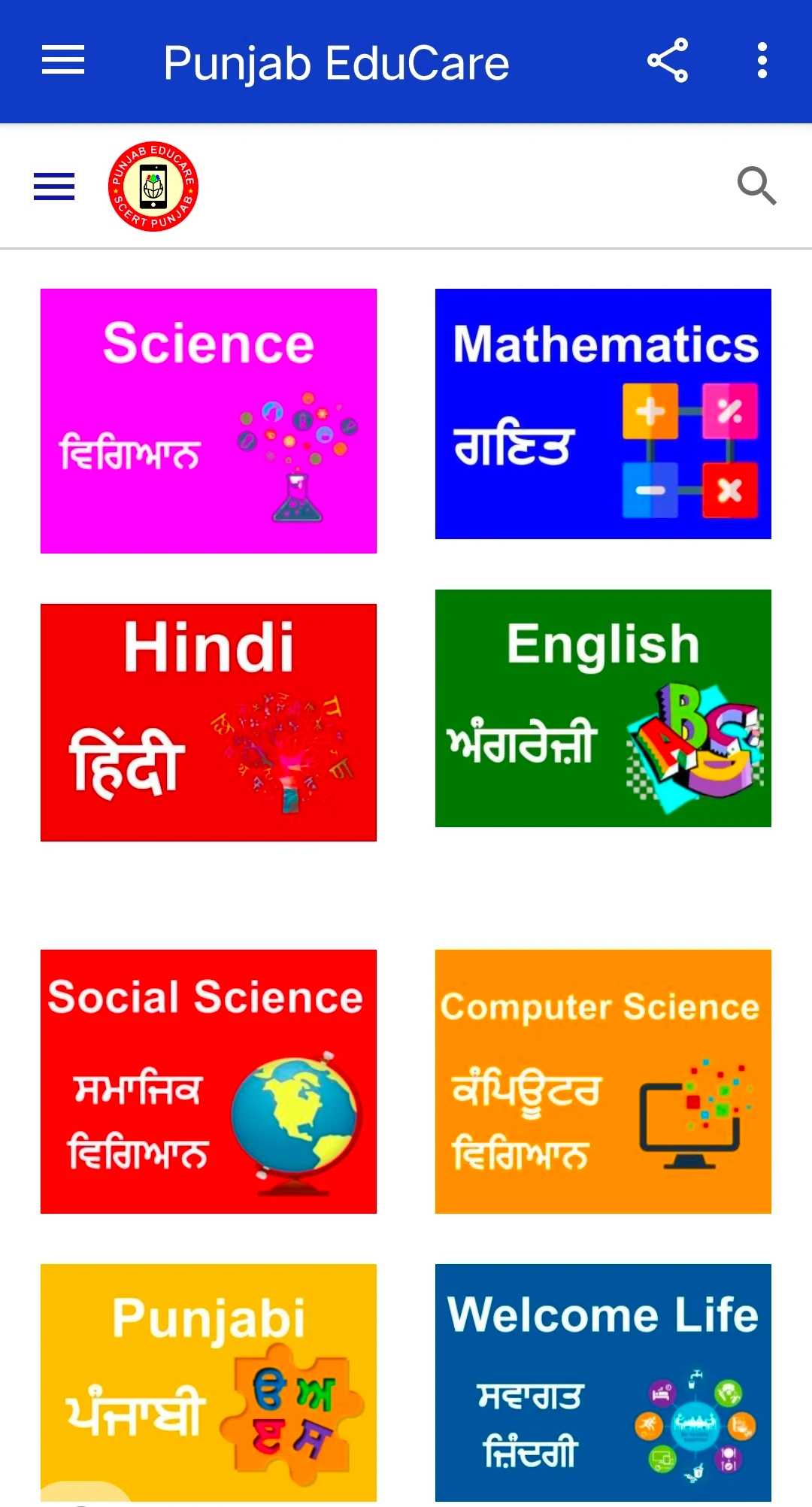
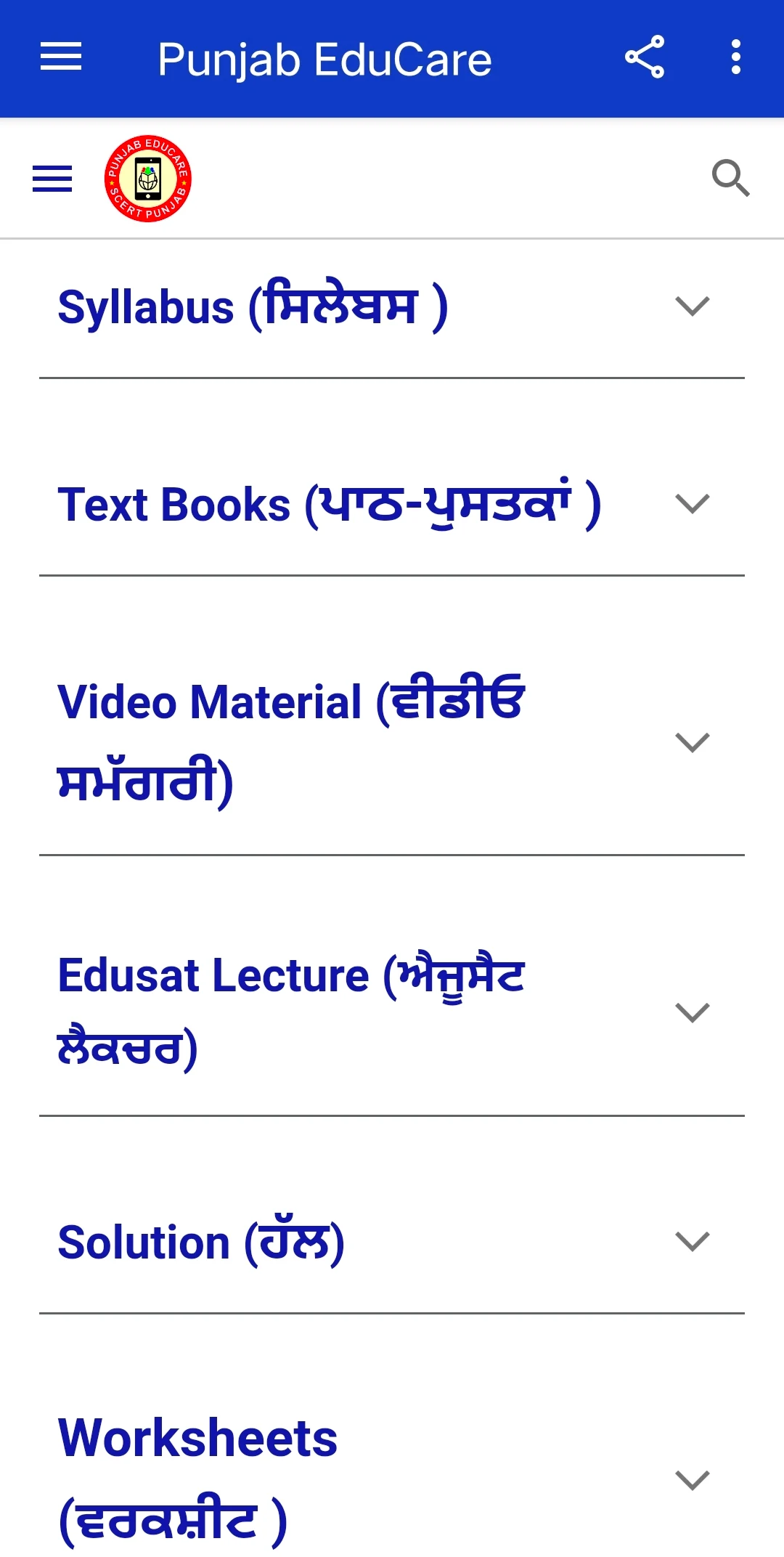
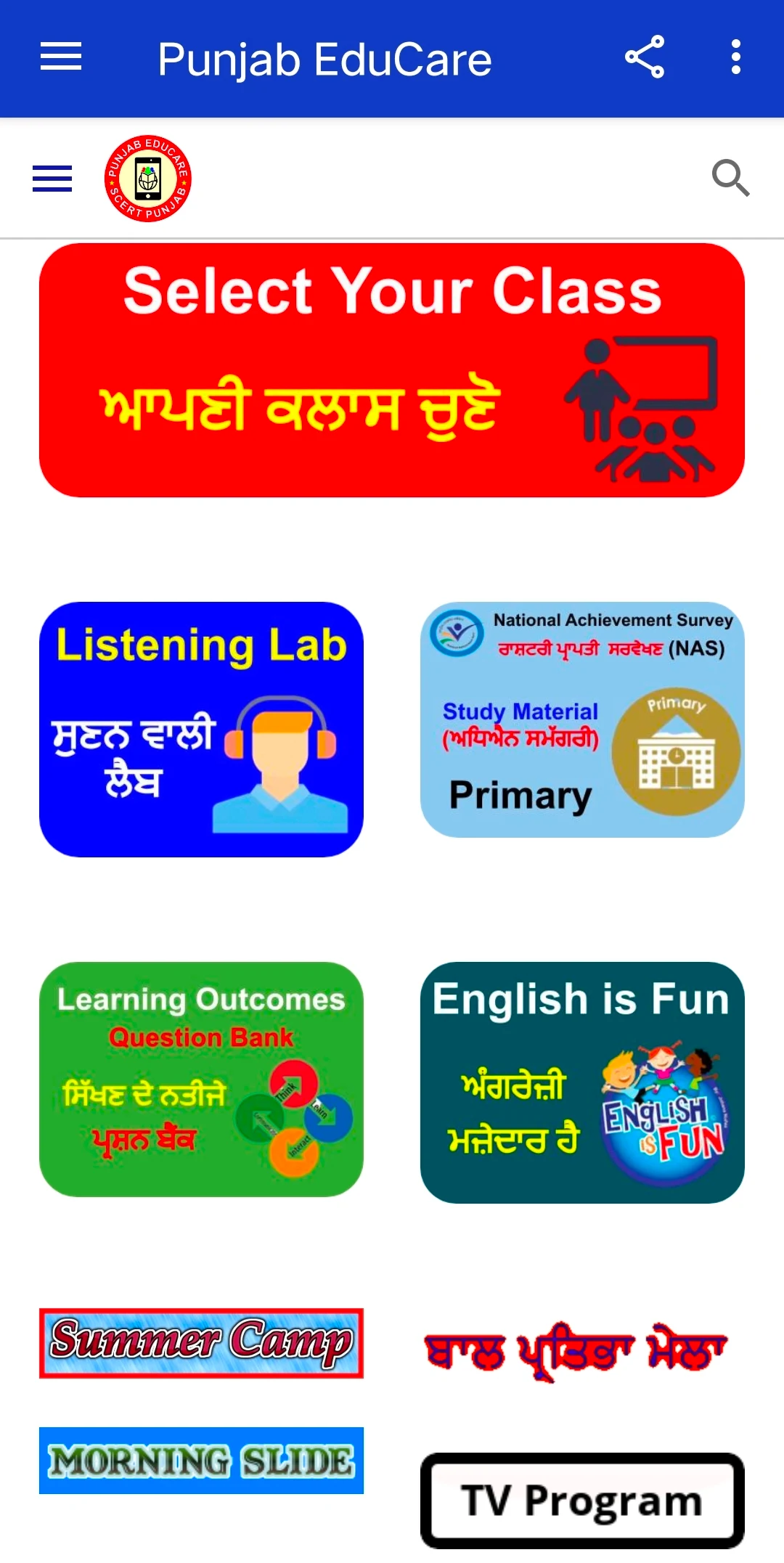
What's new
Version 6.15.2 is the newest build on APKBlade, updated 17 September 2026.
A free educational app by Punjab's Education Department for students and teachers in government schools.
Discover PunjabEducare APK for Android
Have you ever wished for an app that could make learning fun and easy? Well, if you are a student or a teacher in Punjab, India, your wish has come true! Introducing the PunjabEducare app, a fantastic educational tool developed by the Department of Education, Punjab.
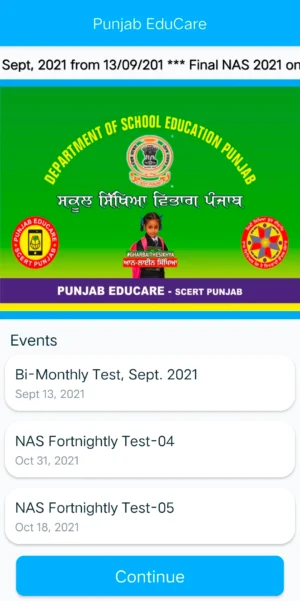
This app is specially designed for government school students and teachers, making it a perfect companion for learning and teaching. Let’s dive into what makes PunjabEducare so special and how it can help you.
What is PunjabEducare?
PunjabEducare is an educational app that is completely free to use. It provides access to a wide range of study materials prepared by the experts from the Department of Education, Punjab.
Whether you are a student looking to understand your subjects better or a teacher seeking resources to enhance your teaching, PunjabEducare has got you covered. The app is packed with resources that align with the Punjab School Education Board (PSEB) syllabus, ensuring that you have everything you need to succeed in your studies.
Features of PunjabEducare
PunjabEducare is loaded with features that make it a must-have app for anyone involved in education in Punjab. Here are some of the key features:
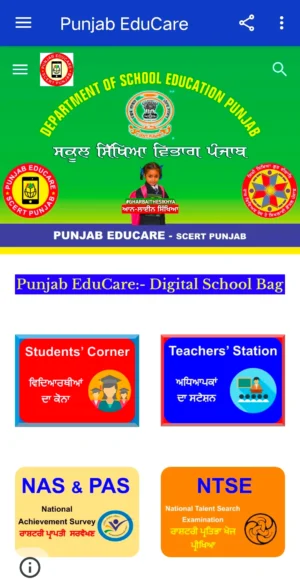
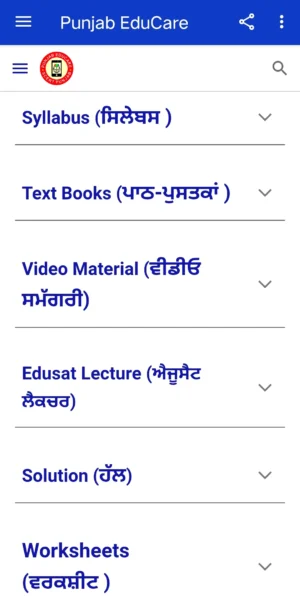
- Comprehensive Study Material: The app offers a vast collection of study materials for various subjects, making it easier for students to learn and for teachers to teach.
- Students’ Corner: This section is dedicated to students, providing them with easy access to all the resources they need to excel in their studies.
- Teachers’ Station: A special section for teachers where they can find teaching aids and other resources to make their lessons more effective.
- Daily Updates: The app is regularly updated with new content and features, ensuring that users always have access to the latest educational resources.
How to Download PunjabEducare APK
Downloading the PunjabEducare APK is simple and straightforward. You can download the latest version of the app directly from this blog post. Just follow these easy steps:
- Click on the Download Button: Find the download button at the top and click on it to start downloading the APK file.
- Install the APK: Once the download is complete, open the APK file and follow the on-screen instructions to install the app on your Android device.
- Launch the App: After installation, open the app and start exploring the wealth of educational resources available at your fingertips.
Benefits of Using PunjabEducare
Using PunjabEducare comes with numerous benefits that can significantly enhance the learning and teaching experience. Here are some of the advantages:
- Free Access: The app is completely free, which means you can access all the study materials without any cost.
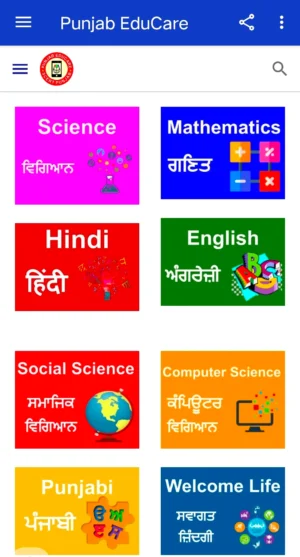
- Curriculum-Aligned Resources: All the content in the app is aligned with the PSEB syllabus, ensuring that students are learning what they need to know.
- User-Friendly Interface: The app is designed to be easy to use, with a simple interface that makes it accessible to everyone, regardless of their tech skills.
- Regular Updates: With regular updates, users can always access the latest educational resources and features.
Who Can Benefit from PunjabEducare?
PunjabEducare is designed to benefit a wide range of users, including:
- Students: Students can use the app to access study materials, practice exercises, and other resources that can help them understand their subjects better.
- Teachers: Teachers can find teaching aids and other resources that can help them deliver more effective lessons.
- Parents: Parents can use the app to support their children’s learning by accessing the same resources and understanding the curriculum better.
Conclusion
PunjabEducare is more than just an app; it’s a gateway to a world of knowledge and learning. Whether you’re a student, a teacher, or a parent, this app offers something valuable for everyone.
With its comprehensive resources, user-friendly interface, and regular updates, PunjabEducare is a must-have tool for anyone involved in education in Punjab. So, what are you waiting for? Download the PunjabEducare APK today and take the first step towards a brighter educational future!
More About PunjabEducare
| Name | PunjabEducare |
|---|---|
| Package Name | com.deepakkumar.PunjabEducare |
| Category | Education |
| Version | 6.15.2 |
| Size | 44.0 MB |
| Requires Android | 4.2 and up |
| Developer | Department of school education, Punjab (India) |
| Last Updated | 17 September 2026 |
How to Install PunjabEducare
- Tap the download button and let the file finish.
- Open the file from your notifications or the Downloads folder.
- If Android asks, allow your browser to install unknown apps.
- Tap Install, then open the app.
This download is a XAPK file. Follow the XAPK install guide.
FAQ'S
How to install PunjabEducare .xapk?
Simply download this XAPK Installer from Play store - Download. Open the XAPK Installer app & follow on screen instructions to install the XAPK.
I am getting Play Protect warning while installing!
Some mod APK files might get a warning. You can ignore this warning and install the APK file. Follow these simple steps to turn off Play Protect: Open Google Play app > Click Profile Icon > Select Play Protect -> Setting > Turn off both "Scan apps with Play Protect" and "Improve harmful app detection" options.
How to update APK without losing the data?
To update APK without losing the data, you don't need to follow anything extra. Click on the downloaded APK file and click the "Install" button. The app will update automatically without loss of data.
How to fix problems while installing/opening?
Make sure you have downloaded the file correctly. The downloaded file extension must end with .apk file. If you face any package install error, redownloading the file may fix the issue.


















Ratings and reviews
There are no reviews yet. Be the first one to write one.